

5 min read
Acrylic ID Card vs PVC ID Card: Which Is Better for Your School?
Acrylic or PVC? A simple side-by-side comparison of look, strength, thickness, shape and price, with clear advice on which card suits students, staff and parents.
9 articles found.
5 min read
Acrylic or PVC? A simple side-by-side comparison of look, strength, thickness, shape and price, with clear advice on which card suits students, staff and parents.

6 min read
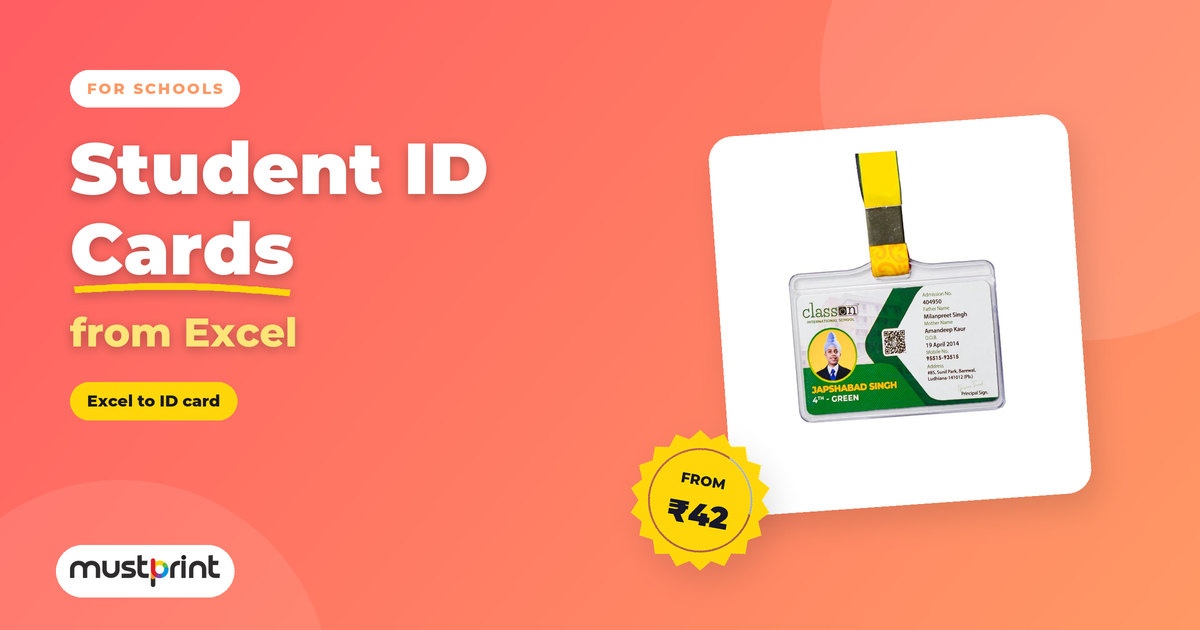
A simple 7-step guide for school offices: set up the Excel sheet, collect and name student photos, choose a design, check the proof and get every ID card printed right the first time.
6 min read
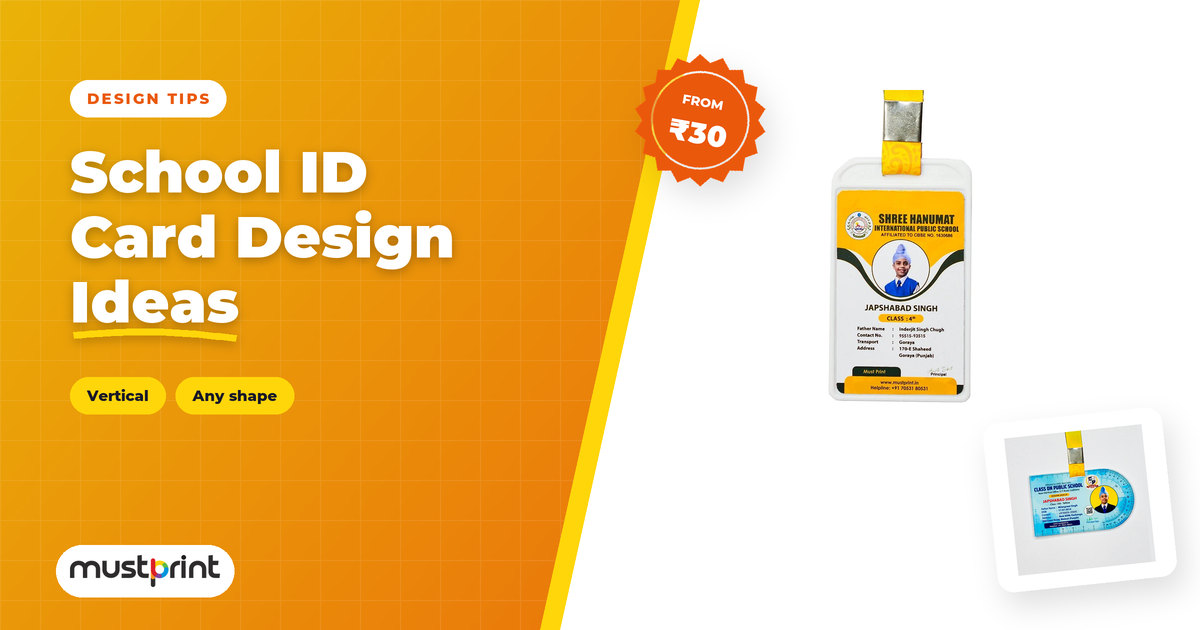
15 simple school ID card layouts, 8 vertical and 7 horizontal, with what each one is best for, plus easy design rules so every card is clear and easy to read.
5 min read
The standard ID card size is 85.6 × 54 mm (CR80), the same as an ATM card. Here it is in cm, inches and pixels, with bleed, safe area and photo sizes for printing.
26 min read
100+ free online tools for schools and teachers, Class 1 to 12: certificate maker, passport photo maker, worksheets, quizzes and learning games. Plus what to print for ID cards, prizes and events.
3 min read
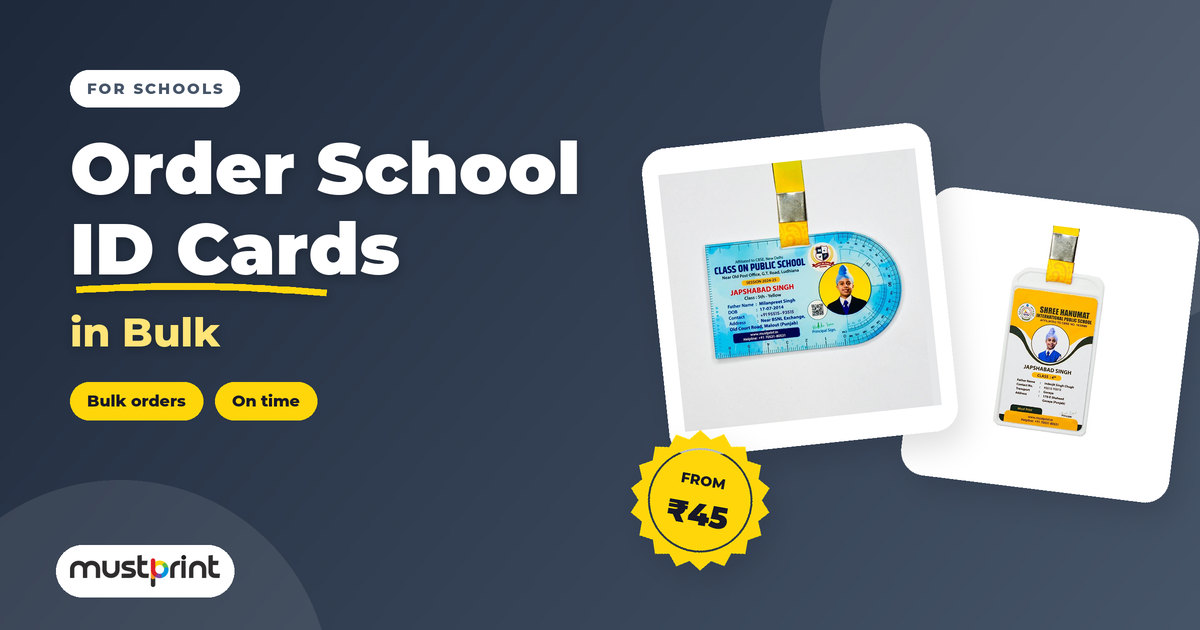
A step-by-step plan for school offices: collecting student data and photos, checking proofs, choosing lanyards and getting every card delivered before the session starts.
2 min read
Resolution, bleed, safe margins and file types explained in plain language, so your logo and photos print as sharp as they look on screen.
2 min read
Bright on screen, duller on paper? It is not a mistake. Learn why screens and printers make colour differently, and how to get prints that match your brand.
2 min read
Practical, branded gifts for employees, clients and events that stay on desks instead of in drawers, plus tips for ordering them in bulk.
Send us your design or tell us what you need. Our team checks every file before it is printed.
Bulk DiscountsSave More on Large Orders
Dedicated SupportWe're Here to Help
Automatic assistant for products, prices and orders. Enter to send, Shift+Enter for a new line.